Best TeraBox Alternatives for Free Cloud Storage in 2026
| Detail | Information |
| App Name | TeraBox APK |
| Category | Cloud Storage |
| Developer | Flextech Inc. |
| Latest Version | Check the official website |
| Android Requirement | Android 5.0 and above |
| App Size | 60-100 MB |
| Free Storage | 1 TB (1,024 GB) |
| Price | Free |
Free cloud storage is useful, but no single app fits everyone. Some people want more space. Others care about speed, privacy, or teamwork tools. If ads, slow transfers, or safety worries bother you, switching makes sense. This guide covers the best free options if you are ready to move on from TeraBox in 2026. By the end, you will know which one matches your needs.
Why People Look for Alternatives
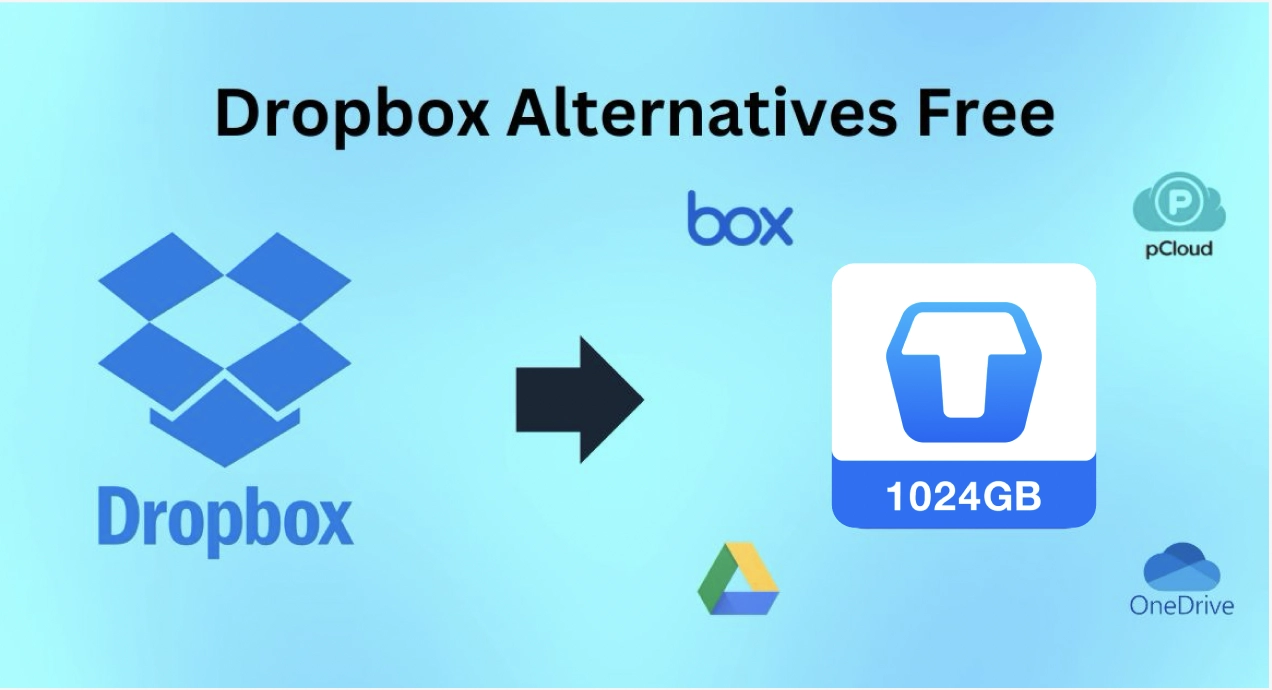
Big free storage sounds great, but daily use tells a different story. Many users of terabox.com complain about ads, slow uploads, and limited features on free plans. Others worry about privacy and want a service with a stronger reputation. Some simply need better tools for work or school. Switching is easy today, because most services let you import files and sync across devices. Before you move, list what matters most to you. Speed, security, space, and teamwork each point to a different winner.
What to Check Before You Switch
A good alternative should solve your real problem, not just offer a bigger number. Compare these points before you decide:
- Free storage size and how easily you can expand it.
- Upload and download speed on the free plan.
- Privacy and encryption features.
- Apps for Android, iOS, Windows, and the web.
- Ads, file size limits, and paid upgrade prices.
- Moving files from TeraBox without losing folders or quality.
Take ten minutes to test two or three services. A short trial shows more than any review about TeraBox downloads or its rivals can.
Google Drive: Best for Everyday Use
Google Drive offers 15 GB of free space, shared across Gmail and Google Photos. It feels fast, clean, and dependable. Docs, Sheets, and Slides open right inside the app, and teammates can edit together in real time. Smart search finds lost files within seconds. The free space fills up quickly if you store many videos, but the polish makes up for it. If you already use Gmail or an Android phone, setup takes almost no effort. It is the safest first choice for anyone leaving terabox downloader app.
OneDrive: Best for Windows Users
TeraBox APK users on Windows will find OneDrive feels built in. Desktop folders back up on their own, and Word and Excel files open in one click. Personal Vault adds extra verification for private documents. Version history lets you roll back mistakes within days. The free plan gives 5 GB, which is small, but the integration is smooth. Students and office workers who live inside Microsoft apps will enjoy it most. Setup takes minutes, and syncing rarely causes trouble.
Dropbox: Best for Sharing and Teams
Dropbox has long been a favorite among creative teams, and many switch to it from TeraBox for client work. Smart Sync saves space by keeping files online until you need them. Clients can open shared folders without creating accounts, which makes project delivery simple. Deleted items stay recoverable for thirty days. Large video files transfer smoothly. The free plan is small, usually around 2 GB, so it suits light use or testing. Freelancers, designers, and small agencies often choose it.
MEGA: Best for Privacy
MEGA puts privacy first. End-to-end encryption scrambles every upload before it leaves your device, and only you hold the key. Free accounts start with around 20 GB, although some bonus space may expire. Chat and calls stay encrypted too. The trade-off is fewer collaboration tools and a plainer design. If you worry about privacy in terabox-ios, this option deserves serious attention. Remember that losing your key can mean losing access to your files.
Other Options Worth Considering
Several smaller services also deserve a look, and each one gives TeraBox users a different strength:
- pCloud offers lifetime plans and a solid free tier.
- Proton Drive focuses on private, encrypted storage.
- Sync.com provides strong security with easy sharing.
- Box suits business teams and larger organizations.
- iCloud works best for iPhone and Mac owners.
Check each plan carefully, because free limits and features change often. A small service can still be the perfect fit for one specific job.
Quick Comparison Guide
Picking the right service gets easier when you match it to your habits. Google Drive suits general use and teamwork. OneDrive fits Windows and Office users. Dropbox shines for client sharing. MEGA wins on privacy and free space. None of them offers a huge free allowance, so smart organization matters. Delete duplicates, compress large videos, and review your files every month. Many people also use two services together, one for daily work and one for private backups. Moving from TeraBox APK to a smaller plan is easier when your files are tidy first.
Final Verdict: Which One Should You Choose?
There is no perfect winner, only the best match for your situation. Choose Google Drive for balance, OneDrive for Windows, Dropbox for sharing, and MEGA for privacy. Test a free account first, move a few files, and see how it feels. Keep your old files until the move is complete. In the end, the right service is the one you trust and actually use, whether that is TeraBox or a better alternative.